Database Connection, Login,
and Browser Configuration
Databases accessed through the proxy server are normally available 24 hours/day, seven days/week. All known long term problems are announced on the library news page.
How to connect
You may link to databases via the title list page, the topic list page, or the drop down menu on the home page.
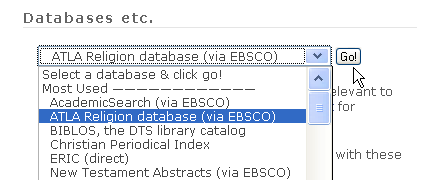
If you are off campus, you will be promoted to enter your ID and password.
Browser configuration
Every vendor has published browser requirements, and the requirements change frequently. In addition, some require helper programs like Acrobat. Most databases are covered by the EBSCO documentation. See also the Computer and Database Connection Problems page. Browser diagnostics are available here.
 dts.edu